Favorites
The Favorites feature allows you to save and organize your preferred channels, movies, and series for quick access.
Favorites Page
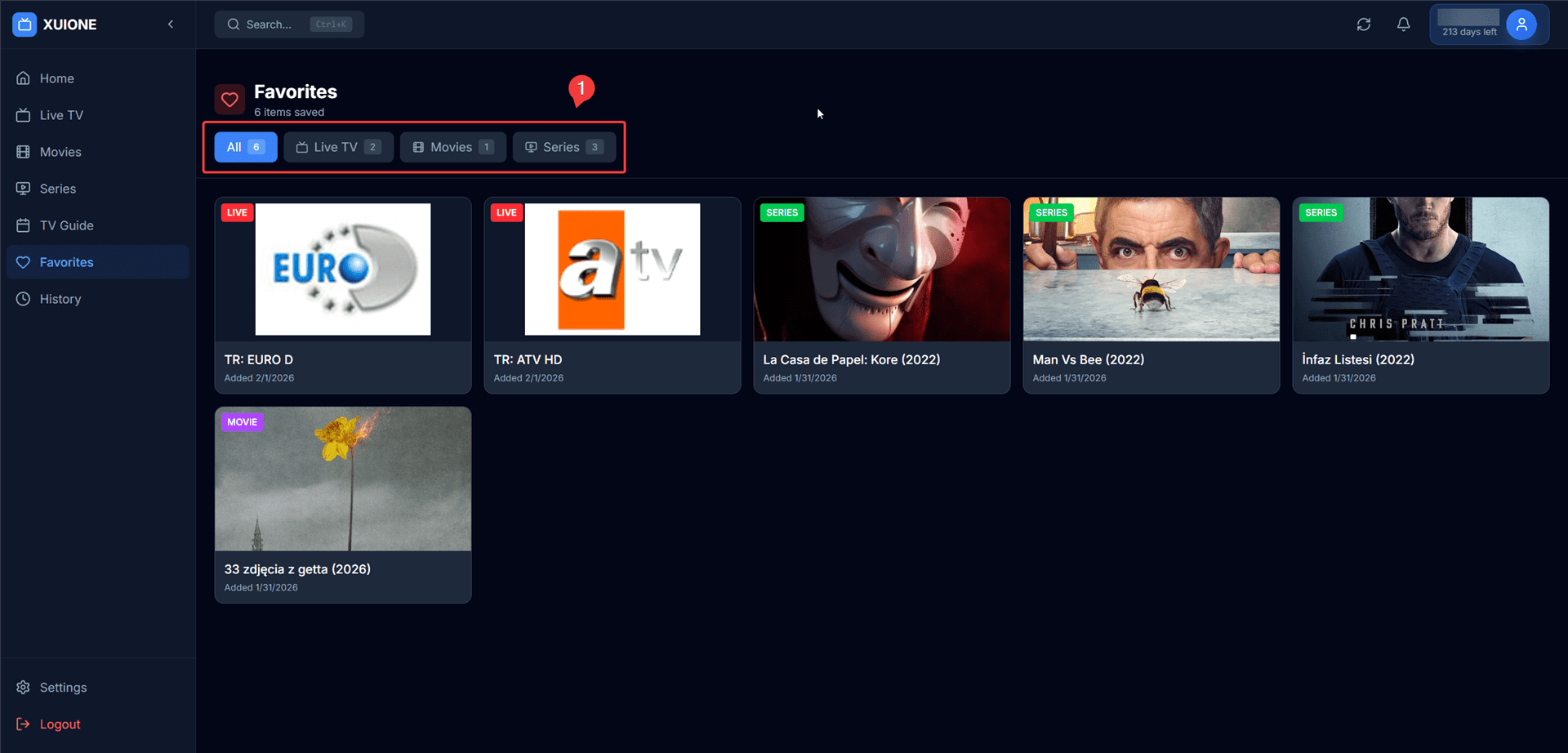
Favorites page with category tabs
Category Tabs
Filter your favorites by content type:
| Tab | Description |
|---|---|
| All | Show all favorites across all types |
| Live TV | Show only saved channels |
| Movies | Show only saved movies |
| Series | Show only saved TV series |
Adding to Favorites
From Content Pages
- Live TV — Right-click on a channel card and select "Add to Favorites"
- Movies — Click the heart icon on the movie details page
- Series — Click the heart icon on the series details page
While Watching
Click the heart icon in the player controls to add the current content to favorites.
Removing from Favorites
- Right-click on any favorite item and select "Remove from Favorites"
- Click the filled heart icon to unfavorite
Data Storage
| Aspect | Details |
|---|---|
| Storage Location | Browser local database (IndexedDB) |
| Per Profile | Each server profile has its own favorites |
| Persistence | Favorites remain until manually cleared |
Note: Clearing browser data or the database cache will remove your favorites.